
Ever found yourself in the middle of a welding project when your Miller Performance helmet’s auto-darkening filter suddenly stops working? A dead battery is usually the culprit, and knowing how to replace it quickly can save your project and protect your eyes.
To change the battery in a Miller Performance welding helmet, locate the battery compartment on the helmet’s exterior, slide or lift the cover open, remove the old lithium battery, insert a new CR2032 or CR2450 battery (depending on your model) with the positive side facing out, and close the compartment cover securely.
What You’ll Learn
This guide covers everything you need to successfully replace your Miller Performance helmet battery:
• Step-by-step battery replacement process
• Required tools and battery types for different models
• Troubleshooting tips when the helmet still doesn’t work after replacement
• Maintenance practices to extend battery life
Miller Performance Helmet Battery Systems Basics
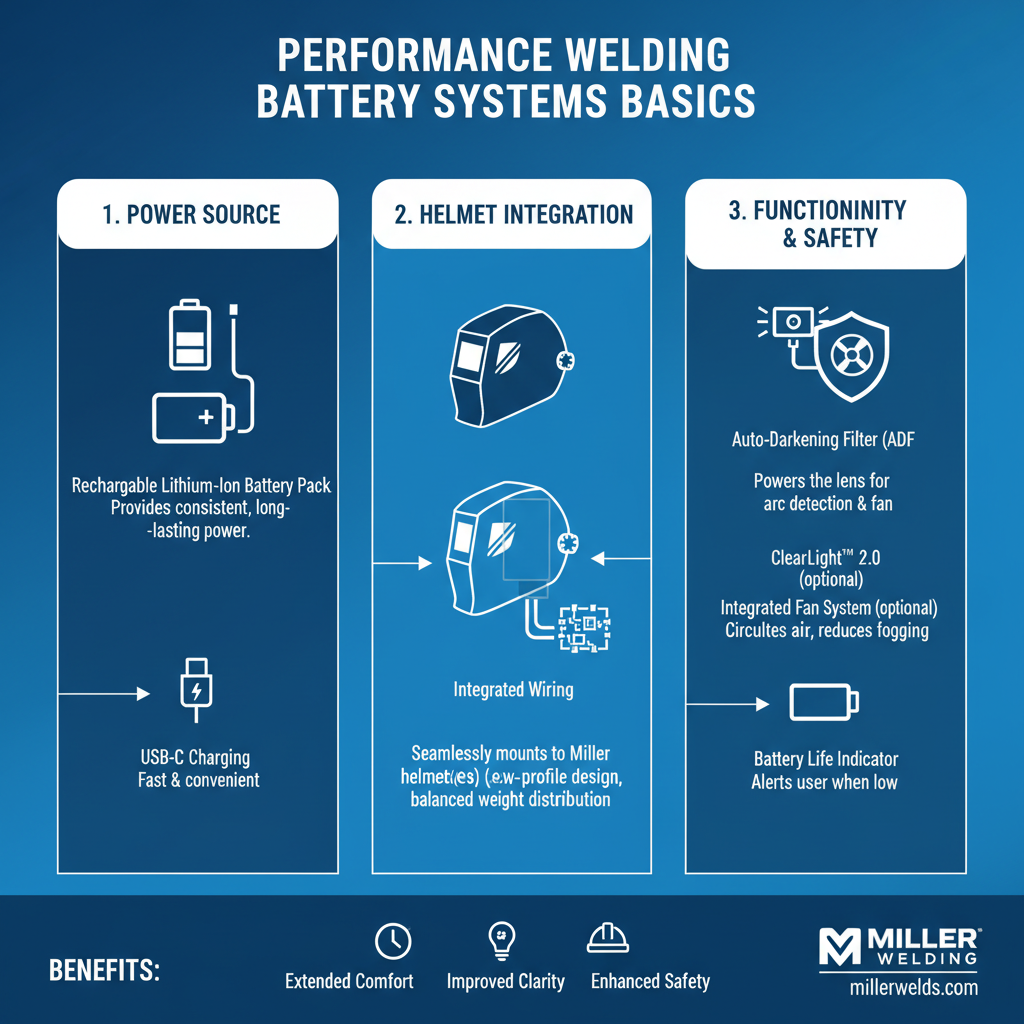
Miller Performance welding helmets use lithium coin cell batteries to power their auto-darkening filters. These batteries typically last 1-3 years depending on usage frequency and storage conditions.
The battery powers several key functions:
• Auto-darkening lens operation – Controls the LCD shutter response
• Sensitivity adjustment – Maintains arc detection settings
• Delay timing – Manages how long the lens stays dark after welding stops
• Grind mode functionality – Keeps the lens in light state for grinding work
Most Miller Performance models use either CR2032 or CR2450 lithium batteries. The specific type depends on your helmet model and manufacturing year.
Required Tools and Materials
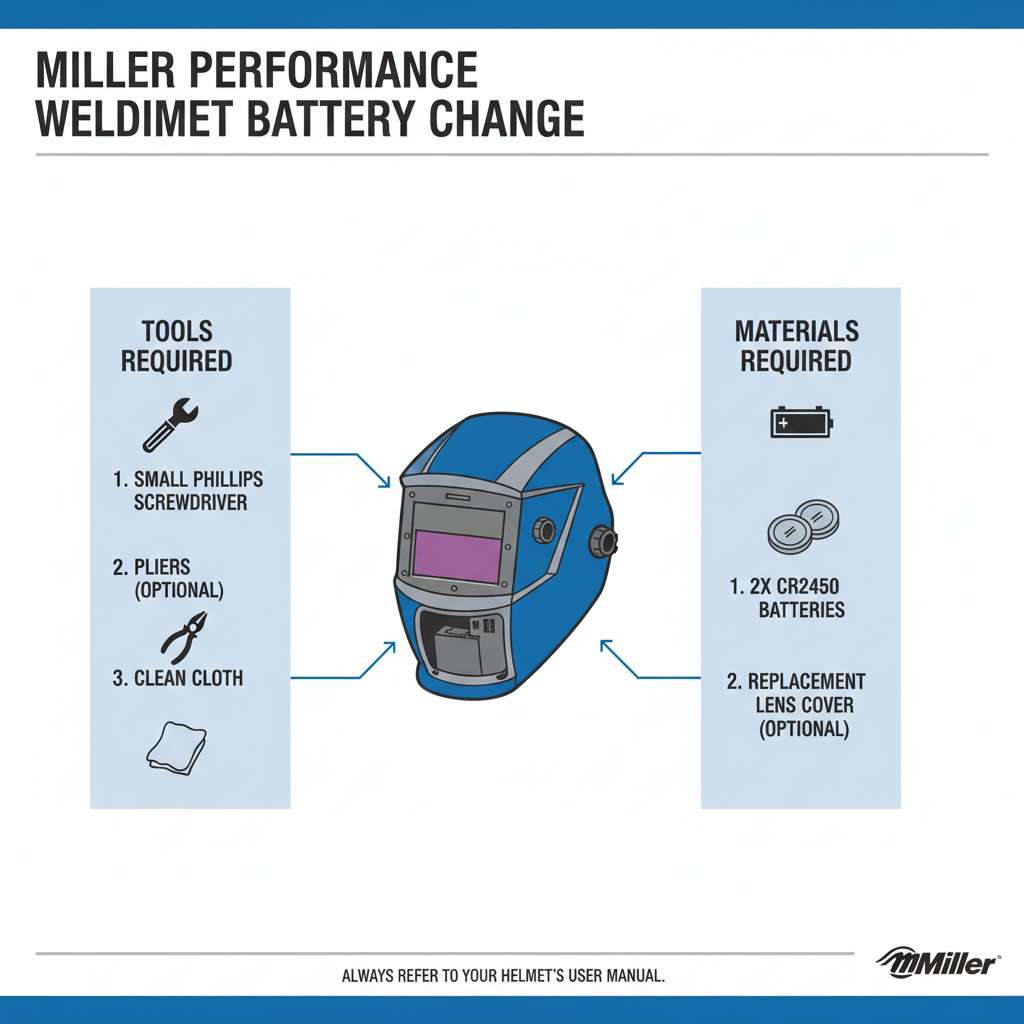
Before starting the battery replacement, gather these items:
• New lithium battery (CR2032 or CR2450)
• Small flathead screwdriver (if needed for stubborn covers)
• Clean cloth for wiping the battery compartment
• Good lighting to see the compartment clearly
Battery Selection Tips:
Choose high-quality lithium batteries from reputable brands like Energizer, Duracell, or Panasonic. Generic batteries often have shorter lifespans and may leak, potentially damaging your helmet’s electronics.
Step-by-Step Battery Replacement Process
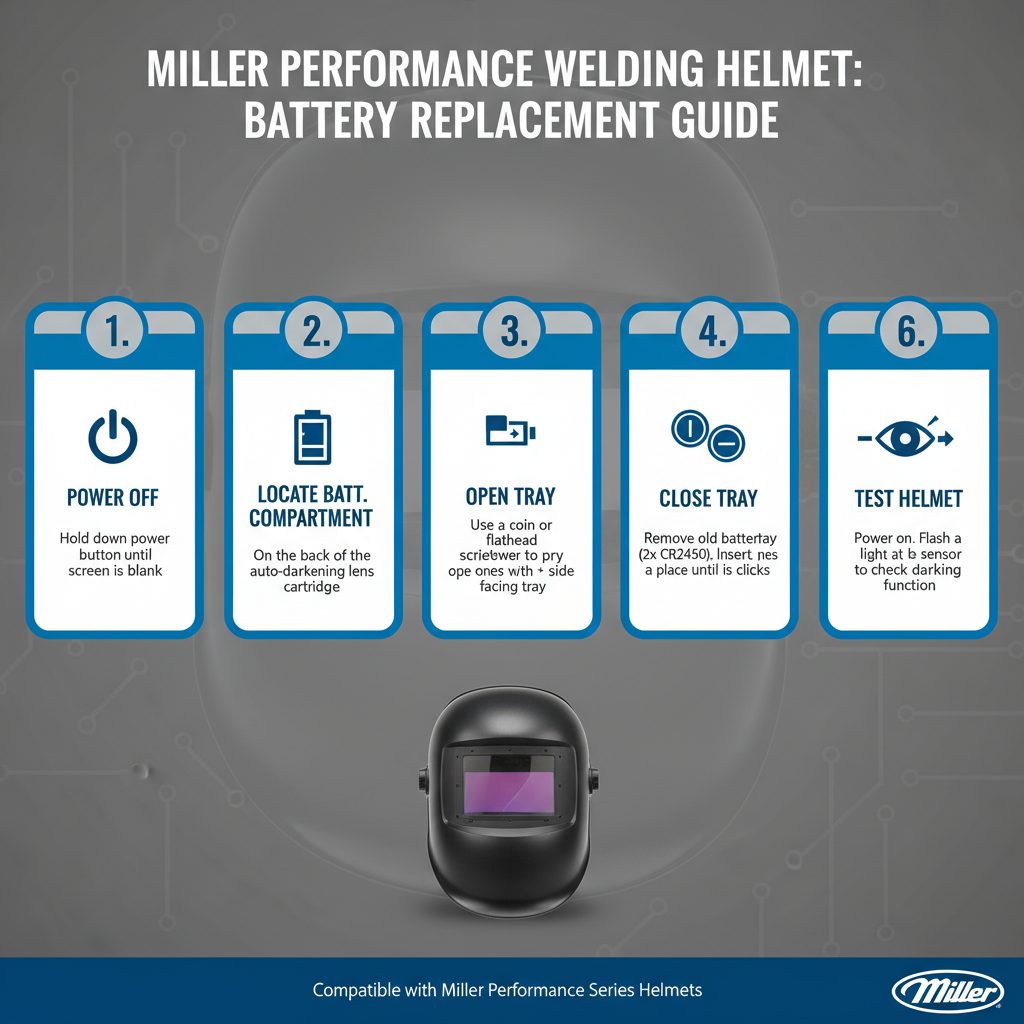
Here’s how to replace the battery in your Miller Performance welding helmet:
Step 1: Prepare the Helmet
Turn off the helmet and remove it from your head. Place it on a clean, well-lit work surface with the outside of the helmet facing up.
Step 2: Locate the Battery Compartment
The battery compartment is typically located on the helmet’s exterior, either:
• On the side of the auto-darkening cartridge
• On the top of the helmet shell
• Behind a small sliding panel
Look for a small rectangular or circular cover with battery symbols or markings.
Step 3: Open the Battery Compartment
Most Miller Performance helmets have tool-free battery access:
• Sliding covers: Push the cover in the direction of the arrow
• Lift-up covers: Gently lift the tab or edge
• Twist covers: Rotate counterclockwise (rare on newer models)
If the cover seems stuck, use light pressure with a small flathead screwdriver, but avoid forcing it.
Step 4: Remove the Old Battery
Note the battery’s orientation before removal. The positive (+) side typically faces outward, but check your specific model.
Gently lift or slide the old battery out of its holder. Some compartments have spring-loaded contacts that may pop the battery up slightly.
Step 5: Insert the New Battery
Place the new battery into the compartment with the correct orientation:
• Positive (+) side usually faces outward
• Negative (-) side contacts the internal spring or contact
Press the battery down gently until it sits flush in the compartment.
Step 6: Close the Compartment
Replace the battery cover by reversing the opening process:
• Slide covers back into position
• Press lift-up covers down until they click
• Ensure the cover is completely closed and secure
Step 7: Test the Helmet
Put the helmet on and test the auto-darkening function:
• Look at a light source and wave your hand in front of the lens
• The lens should darken and lighten appropriately
• Check that all LED indicators function properly
Common Battery Types by Model
Different Miller Performance helmet models use specific battery types:
| Model Series | Battery Type | Typical Life | Location |
|————–|————–|————–|———-|
| Digital Performance | CR2450 | 2-3 years | Side panel |
| Classic Performance | CR2032 | 1-2 years | Top shell |
| Vintage Performance | CR2032 | 1-2 years | Rear compartment |
| Professional Series | CR2450 | 2-3 years | Side cartridge |
Note: Always verify the correct battery type by checking your helmet’s manual or the markings inside the battery compartment.
Troubleshooting After Battery Replacement
If your helmet doesn’t work properly after battery replacement, try these solutions:
Helmet Won’t Turn On
• Check battery orientation – Ensure positive side faces the correct direction
• Clean contacts – Wipe battery terminals and compartment contacts with a dry cloth
• Verify battery type – Confirm you’re using the correct CR2032 or CR2450
Inconsistent Darkening
• Reset the helmet – Remove and reinstall the battery after 30 seconds
• Check sensitivity settings – Adjust the sensitivity dial if present
• Inspect the lens – Clean the outer lens and sensors from spatter or debris
Delayed Response
• Temperature effects – Cold batteries respond slower; warm the helmet gradually
• Battery quality – Replace with a premium brand battery
• Age of electronics – Older helmets may need professional service
Battery Maintenance and Longevity Tips
Extend your Miller Performance helmet battery life with these practices:
Storage Recommendations:
• Store the helmet in room temperature environments
• Avoid extreme heat or cold storage areas
• Remove the battery if storing for extended periods (6+ months)
Usage Habits:
• Turn off the helmet when not in use (if equipped with power switch)
• Keep the lens clean to prevent unnecessary sensitivity adjustments
• Avoid exposing the helmet to unnecessary bright lights during storage
Regular Maintenance:
• Check battery level monthly during heavy use periods
• Clean the battery compartment every 6 months
• Replace batteries proactively before complete failure
Field experience shows that welders who follow these practices get 30-50% longer battery life compared to those who don’t maintain their equipment.
When to Replace vs. Repair
Sometimes battery replacement doesn’t solve the problem. Here’s when to consider other options:
Replace the Battery When:
• Helmet is 1-3 years old
• Auto-darkening works but responds slowly
• LED indicators are dim or flickering
Consider Professional Repair When:
• Multiple battery replacements don’t solve the issue
• Physical damage to the battery compartment
• Helmet is over 5 years old with persistent problems
Replace the Entire Helmet When:
• Repair costs exceed 50% of new helmet price
• Safety features are compromised
• Technology is significantly outdated
Safety Considerations
Battery replacement involves important safety aspects:
Before Starting Work:
• Ensure you’re in a well-ventilated area
• Keep batteries away from children and pets
• Have proper lighting to see clearly
During Replacement:
• Don’t force battery compartment covers
• Avoid touching battery terminals with dirty hands
• Check for any signs of corrosion or damage
After Completion:
• Test the helmet thoroughly before welding
• Dispose of old batteries at proper recycling centers
• Keep spare batteries in a cool, dry place
Frequently Asked Questions
How often should I replace the battery in my Miller Performance helmet?
Most batteries last 1-3 years depending on usage. Heavy daily use may require annual replacement, while occasional welders can expect 2-3 years of battery life.
Can I use rechargeable batteries in my Miller Performance helmet?
No, use only lithium coin cell batteries (CR2032 or CR2450). Rechargeable batteries have different voltage characteristics that can damage the helmet’s electronics.
What happens if I install the battery backwards?
Installing the battery backwards typically won’t damage the helmet, but it won’t function. Simply remove and reinstall with correct polarity.
Why does my helmet work intermittently after battery replacement?
Intermittent operation usually indicates poor battery contact. Remove the battery, clean the contacts, and ensure proper seating in the compartment.
How do I know which battery type my helmet uses?
Check the battery compartment markings, your helmet’s manual, or the old battery itself. CR2032 and CR2450 are the most common types.
Can cold weather affect battery performance?
Yes, lithium batteries perform poorly in extreme cold. Allow the helmet to warm to room temperature before use in cold conditions.
Should I keep a spare battery with my welding equipment?
Absolutely. Keeping a spare battery with welding equipments prevents project delays and ensures you’re never caught without a functioning helmet.
Key Takeaways
• Miller Performance helmets typically use CR2032 or CR2450 lithium batteries lasting 1-3 years
• Battery replacement is usually tool-free with sliding or lift-up compartment covers
• Always note battery orientation before removal – positive side typically faces outward
• Test the helmet thoroughly after battery replacement to ensure proper function
• Store spare batteries in cool, dry conditions and replace proactively before complete failure
• Clean battery contacts and compartments regularly to maintain reliable connections
• Consider professional service if battery replacement doesn’t resolve helmet issues
Final Thoughts
Replacing the battery in your Miller Performance welding helmet is a straightforward maintenance task that every welder should master. With the right battery type and proper technique, you can complete this replacement in under five minutes and get back to welding safely. Regular battery maintenance not only ensures consistent protection but also extends the overall life of your helmet’s electronic components.