
Replacing the battery in your Hobart Impact welding helmet is a straightforward maintenance task that ensures your auto-darkening filter continues working properly. A dead or weak battery can cause inconsistent darkening, delayed response times, or complete filter failure during welding operations.
This guide walks you through the complete battery replacement process, from identifying the correct battery type to troubleshooting common issues. You’ll learn the exact steps professional welders use to maintain their Hobart Impact helmets for reliable performance.
Quick Battery Replacement Answer
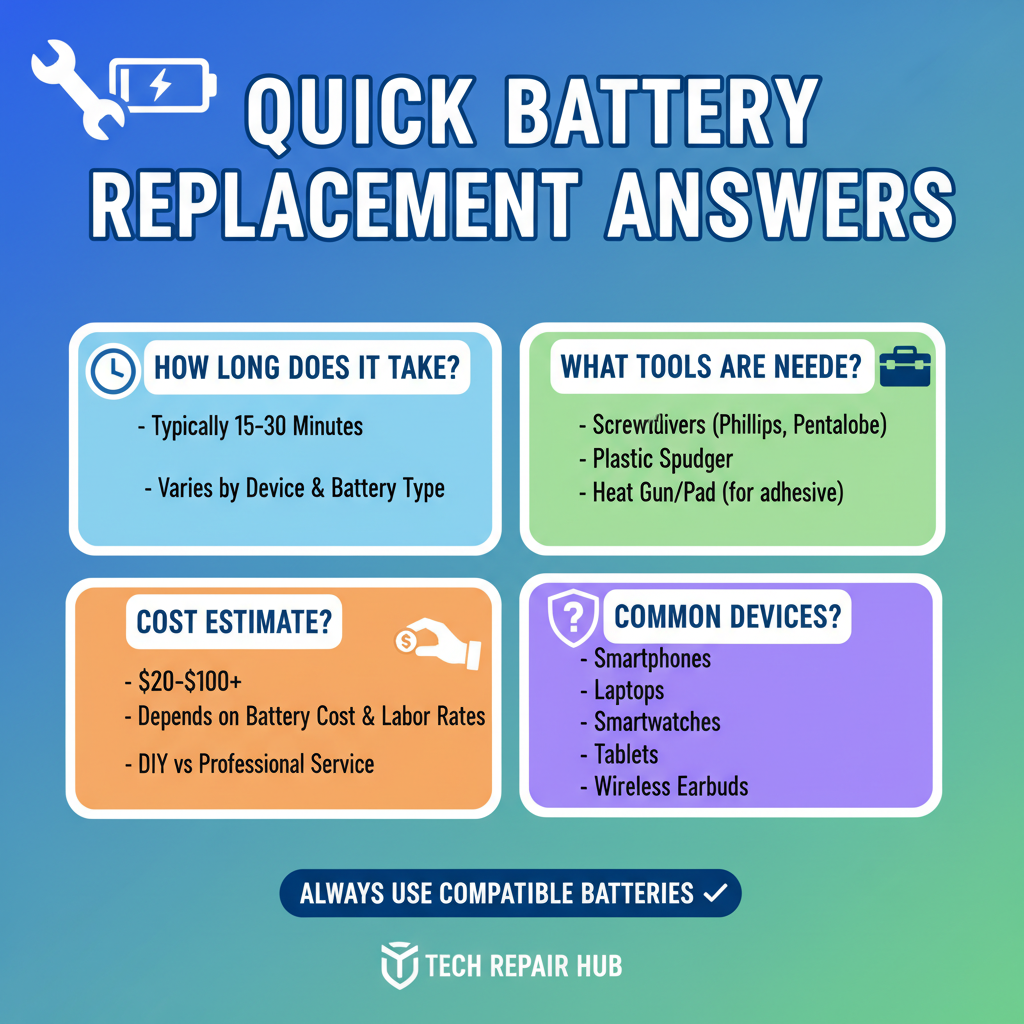
To change the battery in a Hobart Impact welding helmet, locate the battery compartment on the inside of the helmet shell, slide open the cover, remove the old lithium battery, and insert a new CR2032 or CR2450 battery with the positive side facing up. The process takes less than two minutes and requires no tools.
Understanding Your Hobart Impact Helmet Battery System
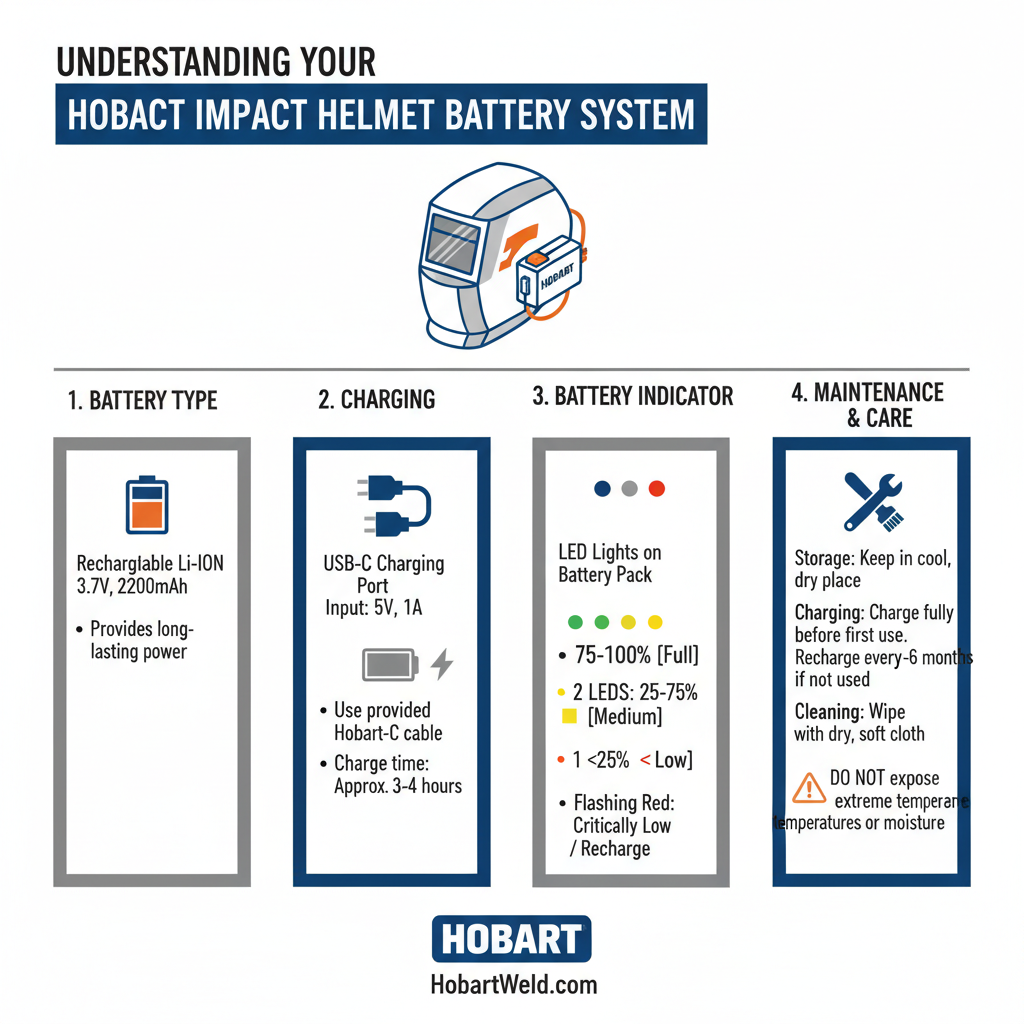
The Hobart Impact series uses a single lithium coin cell battery to power the auto-darkening filter (ADF). This battery typically provides 2000-3000 hours of welding time, depending on usage patterns and environmental conditions.
Most Hobart Impact models use either a CR2032 or CR2450 lithium battery. The specific type depends on your helmet model and manufacturing date. Check your helmet’s manual or the existing battery for the correct specification.
The battery powers the light sensors, LCD shutter, and control circuitry. When the battery weakens, you’ll notice slower darkening response, inconsistent shade levels, or the helmet remaining in dark mode even when not welding.
Locating the Battery Compartment
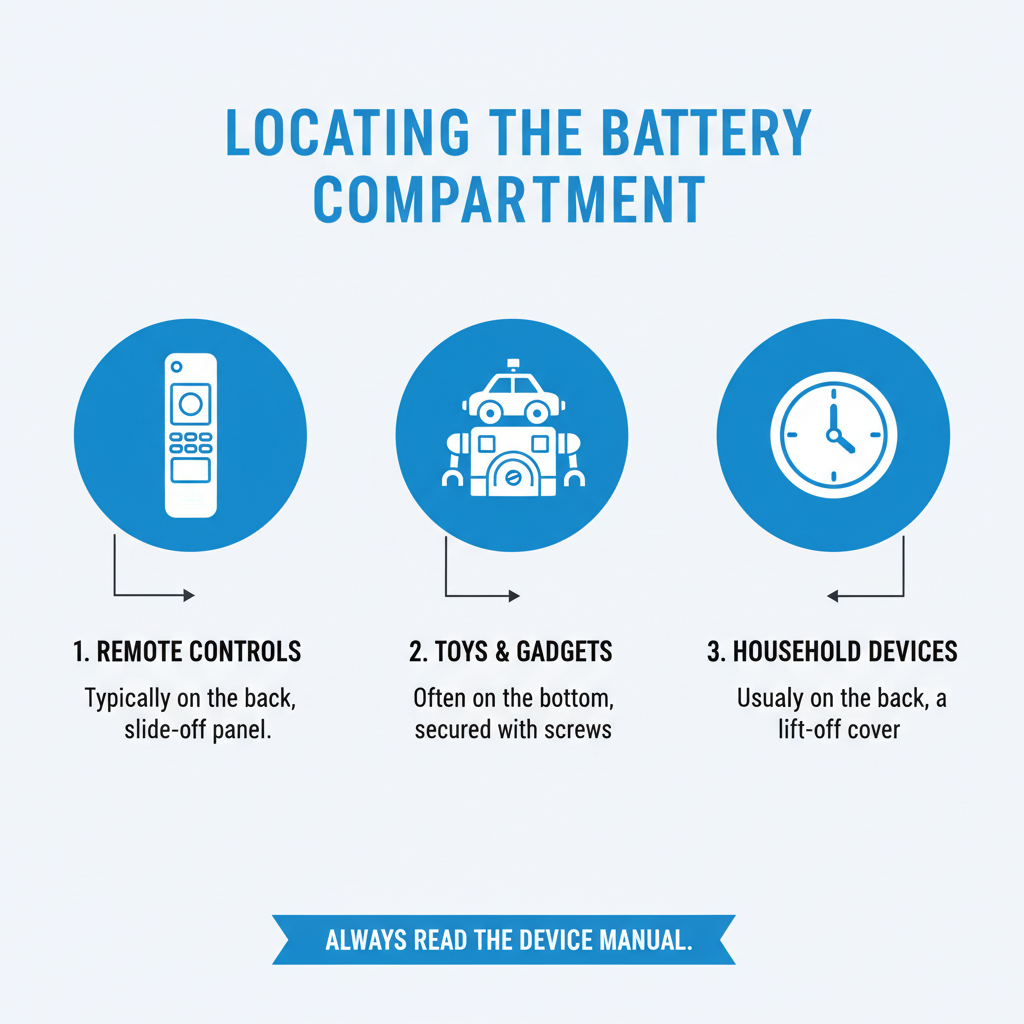
The battery compartment is positioned inside the helmet shell, typically on the right side when wearing the helmet. Look for a small rectangular or circular cover with ridged edges for grip.
Some Hobart Impact models have the battery compartment behind the ADF cartridge. In these cases, you’ll need to remove the entire filter cartridge first by lifting the retention tabs and sliding it out of the helmet shell.
The compartment cover slides horizontally or lifts vertically depending on your specific model. Most covers have directional arrows or text indicating the opening direction.
Step-by-Step Battery Replacement Process
Start by ensuring your helmet is clean and positioned on a stable work surface. Remove any welding gloves to maintain dexterity during the replacement process.
Step 1: Access the Battery Compartment
Locate the battery cover inside the helmet shell. Slide or lift the cover in the direction indicated by the arrows. Some covers require gentle pressure while sliding to overcome the retention mechanism.
Step 2: Remove the Old Battery
Carefully lift out the old battery using your fingernail or a small plastic tool. Avoid using metal tools that could damage the contacts or create short circuits.
Step 3: Check Battery Orientation
Note the positive (+) and negative (-) markings inside the compartment. The positive side of the new battery must align with the positive contact point.
Step 4: Install the New Battery
Place the new battery into the compartment with the positive side facing the correct direction. Press down gently until the battery sits flush in the compartment.
Step 5: Close the Compartment
Slide or press the cover back into place until it clicks or locks securely. Ensure the cover is completely closed to prevent moisture or debris entry.
Step 6: Test the System
Put on the helmet and test the auto-darkening function by looking at a bright light source. The filter should darken immediately and return to light state when the light source is removed.
Battery Types and Specifications
Hobart Impact helmets primarily use two battery types. The CR2032 is a 20mm diameter, 3.2mm thick lithium coin cell providing 3 volts. The CR2450 is 24mm diameter, 5.0mm thick, also providing 3 volts with higher capacity.
Field experience shows CR2450 batteries typically last 30-40% longer than CR2032 batteries in identical usage conditions. However, you must use the battery type specified for your helmet model to ensure proper fit and electrical contact.
Quality battery brands like Panasonic, Energizer, or Duracell provide more consistent performance than generic alternatives. Professional welders often report better longevity and more stable voltage output from name-brand batteries.
Identifying Battery Replacement Timing
Several indicators signal when battery replacement is necessary. The most obvious sign is complete filter failure where the lens remains in light state during welding or stays permanently dark.
Delayed darkening response is an early warning sign. If the filter takes more than 1/25,000th of a second to darken when arc striking, the battery is weakening. This delay can expose your eyes to harmful radiation.
Inconsistent shade levels indicate voltage fluctuations from a dying battery. The filter may darken to shade 8 when set to shade 11, or fluctuate between different darkness levels during welding.
Some Hobart Impact models include low battery indicators. These typically appear as flashing lights or display symbols when battery voltage drops below optimal levels.
Common Battery Replacement Mistakes
Installing the battery backwards is the most frequent error. Always verify the positive side faces the correct direction before closing the compartment cover. Reversed batteries can damage the electronic circuitry.
Using the wrong battery type creates poor electrical contact and unreliable performance. A CR2032 battery in a CR2450 compartment will rattle and lose contact during helmet movement.
Forcing the battery compartment cover can break the retention mechanism. If the cover doesn’t slide or close easily, double-check the battery orientation and ensure no debris is blocking the mechanism.
Touching the battery contacts with dirty or oily fingers can create resistance and reduce battery life. Handle new batteries by the edges and keep the contact surfaces clean.
Maximizing Battery Performance
Store replacement batteries in cool, dry conditions away from direct sunlight. Extreme temperatures reduce battery capacity and can cause premature failure.
Turn off the helmet’s sensitivity adjustment when not welding for extended periods. Some models have power-saving modes that extend battery life during storage.
Clean the battery contacts periodically using a dry cloth or cotton swab. Corrosion or debris on the contacts increases resistance and drains the battery faster.
Professional welders often carry spare batteries and replace them proactively rather than waiting for complete failure. This prevents unexpected downtime during critical welding operations.
Troubleshooting After Battery Replacement
If the auto-darkening filter doesn’t work after battery replacement, verify the battery orientation first. Remove and reinstall the battery with the positive side in the correct position.
Check that the battery compartment cover is completely closed and locked. An partially open cover can create intermittent electrical contact and erratic filter behavior.
Test the filter response in different lighting conditions. Some helmets require bright ambient light to function properly, while others work in dim workshop conditions.
If problems persist after confirming proper battery installation, the issue may be with the filter electronics rather than the battery. Contact Hobart customer service for technical support and potential warranty coverage.
Professional Maintenance Tips
Keep a maintenance log noting battery replacement dates and usage hours. This helps predict when the next replacement will be needed and identifies patterns in battery consumption.
Inspect the battery compartment for corrosion or damage during each replacement. White or green deposits around the contacts indicate battery leakage and require immediate cleaning.
Consider upgrading to higher-capacity batteries if available for your helmet model. The slight additional cost often provides significantly longer service life.
Store the helmet in a protective case when not in use. This prevents accidental damage to the battery compartment and reduces exposure to moisture and contaminants.
Frequently Asked Questions
How often should I replace the battery in my Hobart Impact helmet?
Most welders replace the battery every 6-12 months depending on usage frequency. Heavy daily use may require replacement every 3-4 months, while occasional welders might get 18-24 months from a single battery.
Can I use rechargeable batteries in my Hobart Impact helmet?
No, rechargeable batteries provide different voltage characteristics and may not supply consistent power to the auto-darkening filter. Always use the specified lithium coin cell battery type.
What happens if I weld with a dead battery?
The auto-darkening filter will not function, leaving the lens in permanent light state. This exposes your eyes to dangerous welding radiation and can cause serious injury. Never weld without a functioning auto-darkening filter.
Why does my new battery seem to drain quickly?
Rapid battery drain usually indicates a problem with the helmet electronics or improper battery installation. Verify correct battery orientation and contact Hobart support if the issue persists.
Can cold weather affect battery performance?
Yes, lithium batteries lose capacity in extremely cold conditions. Store the helmet at room temperature when possible and allow it to warm up before welding in cold environments.
Should I remove the battery for long-term storage?
For storage periods longer than 6 months, removing the battery prevents potential leakage damage. Store the battery separately in a cool, dry location.
How do I dispose of old welding helmet batteries?
Lithium coin cell batteries should be recycled at electronics retailers or hazardous waste facilities. Many hardware stores and battery retailers accept used batteries for proper disposal.
Final Thoughts
Regular battery maintenance keeps your Hobart Impact welding helmet functioning reliably and safely. The simple replacement process takes just minutes but ensures consistent eye protection during welding operations. Following proper installation procedures and using quality batteries maximizes performance and extends service life. Keep spare batteries on hand and replace them proactively to avoid unexpected failures during important welding projects.