
Replacing the battery in your Miller Digital Elite welding helmet is a straightforward maintenance task that ensures optimal performance of your auto-darkening lens. This guide provides step-by-step instructions, troubleshooting tips, and expert insights to help you complete the battery replacement quickly and correctly. You’ll learn about the specific battery requirements, proper installation techniques, and how to avoid common mistakes that could damage your helmet’s electronics.
Quick Battery Replacement Answer
To change the battery in a Miller Digital Elite welding helmet, locate the battery compartment on the outside of the helmet shell, slide open the cover, remove the old lithium battery, and insert a new CR2032 battery with the positive side facing outward. The helmet should automatically reset and function normally within seconds of installation.
Understanding Your Miller Digital Elite Power System
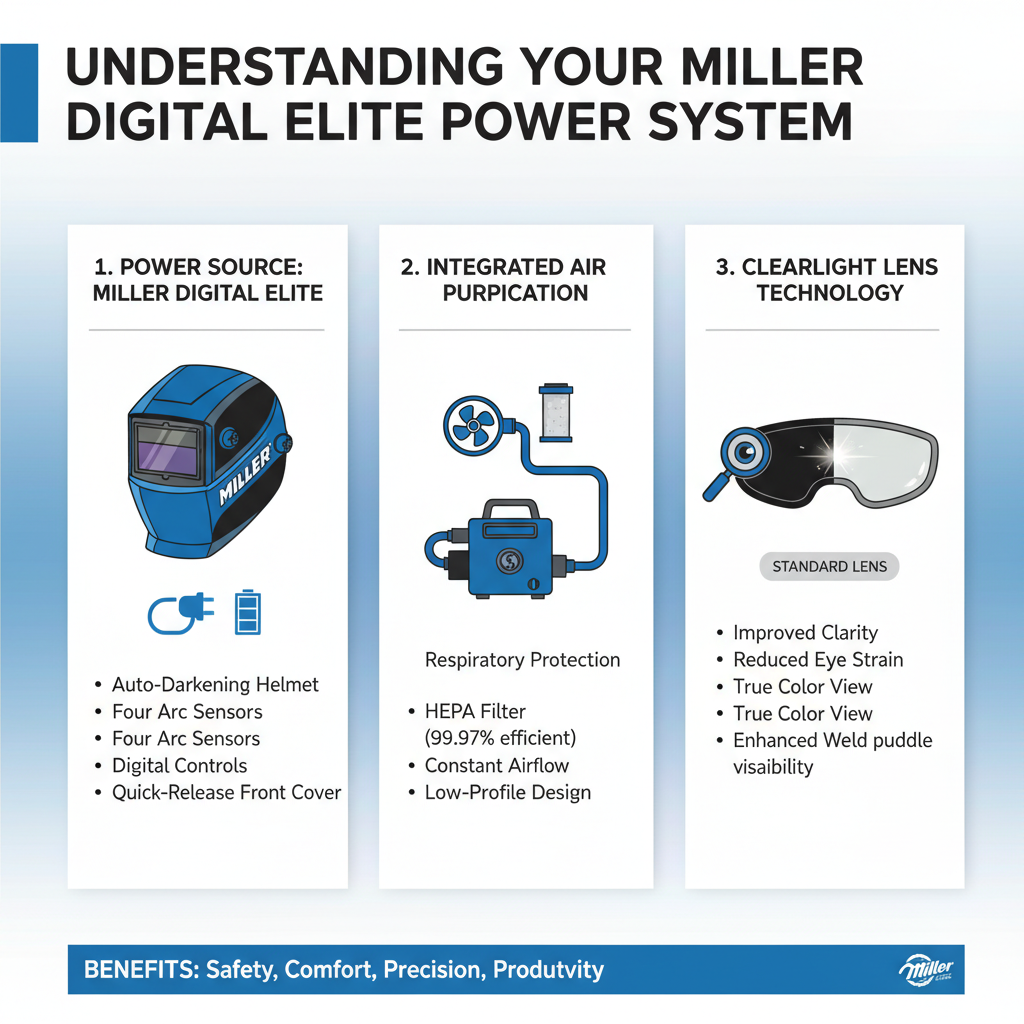
The Miller Digital Elite welding helmet uses a hybrid power system combining solar cells with a replaceable lithium battery. The solar panels provide primary power during welding operations, while the CR2032 lithium battery maintains the helmet’s memory settings and provides backup power in low-light conditions.
This dual-power design extends battery life significantly compared to battery-only systems. In practice, most welders can expect 6-12 months of battery life under normal usage conditions.
The battery compartment is strategically positioned on the exterior shell for easy access without removing the helmet. This design allows for quick field replacements without interrupting your work schedule.
Required Tools and Materials
Battery replacement requires minimal tools and preparation. You’ll need a new CR2032 lithium battery, which is the standard 3-volt coin cell battery used in most electronic devices.
No special tools are required for basic battery replacement. The compartment uses a sliding cover mechanism that operates by hand pressure alone.
Keep a clean cloth nearby to wipe any dust or debris from the battery compartment. Clean contacts ensure reliable electrical connection and prevent premature battery drain.
Step-by-Step Battery Replacement Process
Start by ensuring your helmet is in the “off” position or in grinding mode. This prevents accidental activation during the replacement process and protects the auto-darkening filter from potential damage.
Locate the battery compartment on the right side of the helmet shell when viewed from the front. The compartment features a sliding cover with directional arrows indicating the opening direction.
Slide the battery cover in the direction indicated by the arrows until it stops. The cover should move smoothly without excessive force. If resistance occurs, check for debris or ensure you’re sliding in the correct direction.
Remove the old battery by gently lifting it from the compartment. Note the orientation of the positive side, which should face outward toward the cover. The battery compartment includes polarity markings to guide proper installation.
Insert the new CR2032 battery with the positive terminal facing outward. Press gently until the battery sits flush in the compartment. Proper seating ensures reliable contact with the electrical terminals.
Close the battery compartment by sliding the cover back to its original position. You should hear or feel a slight click when the cover locks into place properly.
Testing Your New Battery Installation
After installation, test the helmet’s functionality by covering the solar panels and activating the auto-darkening feature. The lens should darken immediately when the sensors detect welding arc simulation.
Check the sensitivity and delay settings to ensure they match your previous preferences. The helmet should retain all programmed settings after battery replacement, but verification prevents welding quality issues.
Test the helmet under actual welding conditions to confirm proper operation. Field experience shows that initial testing under load conditions reveals potential installation issues that bench testing might miss.
Battery Life Optimization Strategies
Maximize battery life by storing the helmet in light conditions when possible. The solar panels continue charging the system even during storage, reducing battery drain significantly.
Avoid leaving the helmet in extremely hot environments for extended periods. High temperatures accelerate battery degradation and can reduce overall lifespan by 30-40% compared to moderate temperature storage.
Clean the solar panels regularly with a soft, dry cloth. Dirty or obstructed panels force the system to rely more heavily on battery power, increasing replacement frequency.
Troubleshooting Common Battery Issues
If the helmet fails to function after battery replacement, verify the battery orientation first. Incorrect polarity is the most common installation error and prevents proper operation entirely.
Check the battery compartment for corrosion or debris that might prevent proper contact. Use a dry cotton swab to clean the terminals if necessary, but avoid using liquids or abrasive materials.
A common issue technicians encounter is intermittent operation after battery replacement. This typically indicates loose battery seating or worn compartment contacts that require professional service.
When to Replace Your Battery
Replace the battery when the auto-darkening response becomes sluggish or inconsistent. Early replacement prevents unexpected failures during critical welding operations.
Monitor the helmet’s performance in low-light conditions, as this scenario relies most heavily on battery power. Delayed darkening in dim environments often indicates declining battery capacity.
Professional welders typically replace batteries on a scheduled basis rather than waiting for failure symptoms. This preventive approach ensures consistent performance during important projects.
Frequently Asked Questions
How often should I replace the battery in my Miller Digital Elite helmet?
Most users need to replace the battery every 6-12 months under normal welding conditions. Heavy users in low-light environments may need replacement every 4-6 months.
Can I use rechargeable batteries instead of lithium CR2032 batteries?
No, rechargeable batteries have different voltage characteristics and may damage the helmet’s electronics. Always use standard CR2032 lithium batteries as specified by Miller.
What happens if I install the battery backwards?
Installing the battery backwards prevents the helmet from functioning but typically doesn’t cause permanent damage. Simply remove and reinstall the battery with correct polarity.
Why does my helmet still work with a dead battery?
The solar panels can power the helmet during active welding when sufficient light is available. However, the helmet won’t function properly in low-light conditions without a good battery.
Should I remove the battery for long-term storage?
Removing the battery for storage periods longer than 6 months prevents potential leakage damage. Store both the helmet and battery in cool, dry conditions.
Can extreme temperatures affect battery performance?
Yes, both very hot and very cold temperatures reduce battery efficiency and lifespan. Store and use the helmet within the manufacturer’s recommended temperature range when possible.
How do I know if my battery compartment needs cleaning?
Signs include intermittent operation, difficulty closing the compartment cover, or visible corrosion around the terminals. Clean gently with a dry cloth or cotton swab.
Final Thoughts
Proper battery maintenance ensures your Miller Digital Elite welding helmet provides consistent protection and performance. Regular replacement using the correct CR2032 battery type, combined with proper installation techniques, prevents unexpected failures during critical welding operations. Remember that the hybrid solar-battery system works best when both components are maintained properly, so keep solar panels clean and replace batteries proactively rather than waiting for complete failure. This simple maintenance routine protects your investment and ensures reliable eye protection throughout your welding projects.