
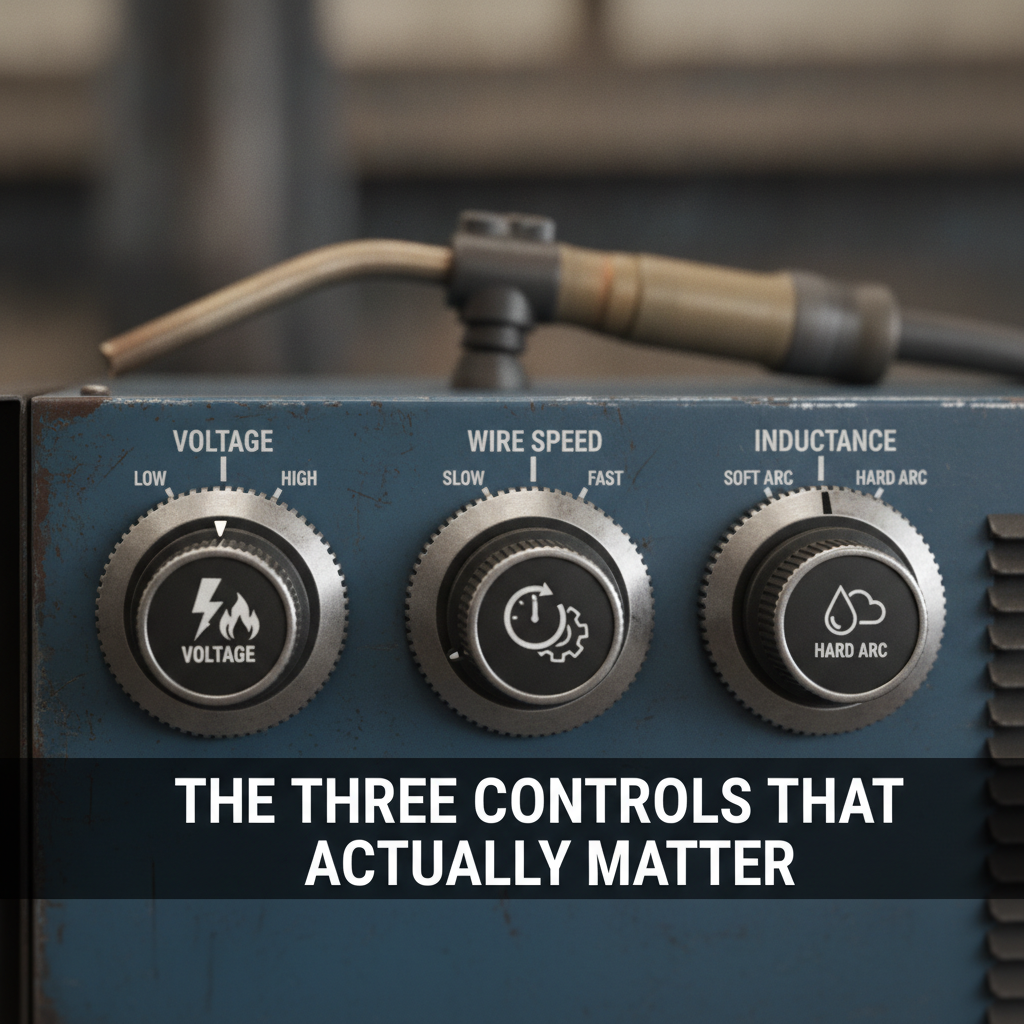
The Three Controls That Actually Matter
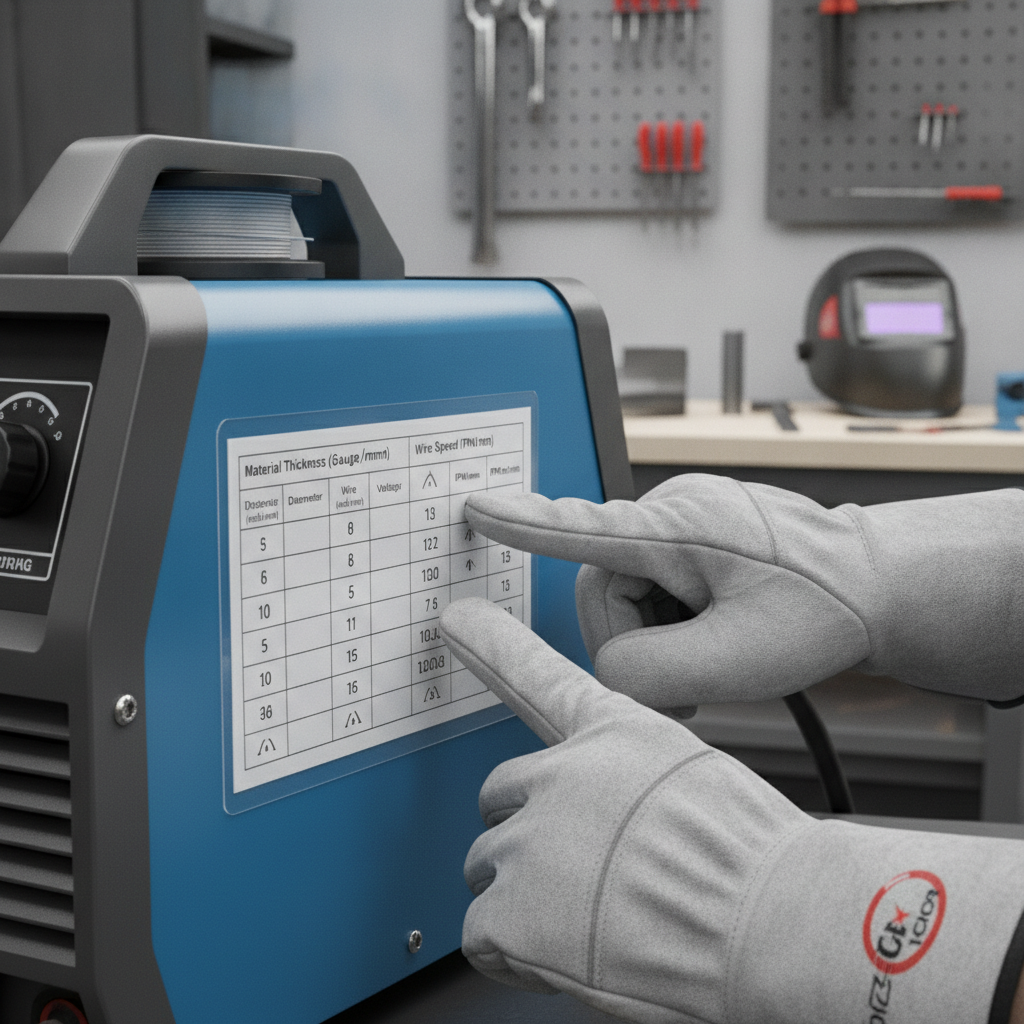
How to Read the Settings Chart on Your Welder
Step-by-Step: How to Adjust Your MIG Welder Settings
1. Select the Correct Wire Diameter
Match the wire to your material. For thin sheet metal (18–24 gauge), 0.023″ wire works well. For general-purpose work on 1/8″ to 3/8″ material, 0.030″ or 0.035″ is more appropriate.2. Set the Polarity
Standard MIG welding with solid wire and gas uses DCEP (DC Electrode Positive). If you’re running flux-core wire without gas, you’ll typically switch to DCEN (DC Electrode Negative). Understanding MIG welder polarity settings before you strike an arc prevents a lot of frustrating troubleshooting later.3. Set Your Gas Flow Rate
Open your cylinder and set the regulator flow rate. For most indoor MIG welding with 75/25 Argon/CO2, 15–20 CFH is a solid range. If you’re welding outdoors or in a drafty shop, bump it up to 20–25 CFH. Avoid going over 30 CFH — excessively high flow causes turbulence that pulls in atmospheric oxygen rather than blocking it. For more detail on this, dialing in MIG welding gas pressure settings is worth reviewing separately.4. Set Voltage and Wire Feed Speed from the Chart
Find the row in the chart that matches your material thickness. Set voltage and WFS to those recommended values before you weld your first test pass.5. Run a Test Bead on Scrap
Always test on a piece of scrap that matches your actual workpiece — same material, same thickness. Listen to the arc. A properly tuned MIG welder sounds like steady, even frying bacon. Sputtering, popping, or inconsistent crackling indicates a settings problem.6. Fine-Tune Based on Bead Appearance
This is where you interpret what you see and adjust accordingly.Reading Your Bead to Diagnose Settings Problems
Your weld bead tells you exactly what’s wrong. Here’s how to interpret it: | Bead Symptom | Likely Cause | Adjustment | |—|—|—| | Tall, narrow bead | Voltage too low | Increase voltage | | Wide, flat bead with undercut | Voltage too high | Decrease voltage | | Wire stubbing into puddle | Wire feed speed too high | Reduce WFS | | Wire burning back to tip | Wire feed speed too low | Increase WFS | | Excessive spatter | Voltage too low or bad gas | Increase voltage slightly; check gas | | Porosity (pinholes in weld) | Insufficient gas coverage | Check flow rate, hose, and connections | | Cold lap / lack of fusion | Travel speed too fast or voltage too low | Slow down or increase voltage | | Burn-through | Voltage too high for material thickness | Reduce voltage, increase travel speed | This chart is one of the most practical references you’ll use when learning to adjust a MIG welder by result rather than guessing.Voltage vs. Wire Feed Speed: Getting the Balance Right
One of the most common mistakes is adjusting voltage and wire feed speed independently without understanding they need to scale together. A simple way to think about it: wire feed speed sets the amperage and deposition rate. Voltage sets how the arc processes that wire. If you crank up WFS without adjusting voltage, the wire starts stubbing or globbing. If you increase voltage without enough wire feed, you get a spastic, wandering arc. In practice, many welders develop a feel for the voltage-to-WFS ratio over time. As a general rule, as you increase material thickness, both voltage and WFS go up together — the chart maintains that ratio. When you’re tweaking fine adjustments, change one variable at a time so you can actually observe the effect.Adjusting for Different Materials and Positions
Settings don’t stay fixed once you learn them for one job. They shift based on: Material type: – Mild steel — widest range of acceptable settings; most forgiving – Stainless steel — typically requires slightly lower heat input and a tri-mix or 98/2 Ar/CO2 gas – Aluminum — requires higher voltage, faster WFS, and a spool gun or push-pull setup Joint position: – Flat and horizontal — use the chart settings as a baseline – Vertical up — reduce voltage by 1–2 steps and slow WFS; the puddle is fighting gravity – Overhead — similar to vertical; reduce heat, use shorter stickout, and keep a tighter arc Material condition: Rust, mill scale, paint, and galvanizing all interfere with arc stability and weld quality. Clean your base metal whenever possible. Even wire brushing the joint area before welding makes a noticeable difference in bead consistency. If you’re working on automotive panels specifically, the settings tolerances get much tighter — thin gauge metal burns through quickly. MIG welding for auto body repair involves different setup priorities than general fabrication.Contact Tip Stickout and Its Effect on Settings
Wire stickout — the length of wire extending beyond the contact tip — directly affects heat input without touching your dial settings. More stickout increases electrical resistance in the wire, which slightly reduces effective amperage at the puddle. Less stickout increases heat concentration. Standard stickout for most MIG work is 3/8″ to 1/2″ (approximately 10–12mm). If you’re welding thin material and want slightly less heat, extending stickout to 5/8″ can help without requiring a voltage adjustment. Most users overlook this variable entirely and wonder why their settings feel inconsistent between sessions.Common Adjustment Mistakes Worth Avoiding
– Skipping the scrap test — Running your first weld directly on the actual piece with untested settings is one of the most common causes of ruined work. – Changing too many settings at once — Adjust one variable at a time or you’ll never know which change fixed (or caused) the problem. – Ignoring gas issues — Before blaming voltage or WFS, confirm your gas is flowing, the regulator is set correctly, and there are no leaks in the hose or fittings. – Using the wrong wire for the process — Running solid wire without gas (or flux-core with gas) produces poor results regardless of how well the other settings are dialed. If you’re working without a gas bottle, setting up a MIG welder without gas requires a different wire and polarity setup. – Assuming one setting works for every job — Switching from 1/4″ plate to 16-gauge sheet metal requires a complete settings change, not just a minor tweak.FAQ
What should my wire feed speed be set to for 1/8″ mild steel? For 1/8″ mild steel with 0.030″ wire and 75/25 shielding gas, most machines call for a WFS in the range of 200–250 IPM and a voltage setting of around 17–19 volts. Always cross-reference with your specific machine’s settings chart, as dial calibration varies by brand and model. Why does my MIG welder keep spattering even after adjusting settings? Excessive spatter usually comes from voltage being too low relative to WFS, contaminated base metal, or inadequate shielding gas. Check that your gas is flowing correctly first. Then try increasing voltage by one step and testing again. If spatter continues, inspect the contact tip for wear and confirm the wire isn’t oxidized or dirty. How do I know if my voltage is too high or too low? A bead that’s flat, wide, and showing undercut at the edges means voltage is too high. A bead that’s tall, rounded, and not fusing well into the base metal points to voltage being too low. The bead profile is a direct visual indicator of arc characteristics — learn to read it and settings adjustment becomes much more intuitive. Can I use the same settings for vertical welds as flat welds? No. Vertical welding — especially vertical-up — requires reducing heat input because gravity pulls the molten puddle downward. A common starting point is to reduce voltage by 1–2 steps from your flat position setting and slow your WFS slightly. Some welders also slow their travel speed on vertical passes to maintain penetration without overloading the puddle. What’s the difference between adjusting voltage and adjusting wire feed speed? Wire feed speed primarily controls how much wire is deposited per unit of time, which translates to amperage and deposition rate. Voltage controls the arc length and the way the arc energy is transferred to the weld puddle. Adjusting WFS makes welds thicker or thinner; adjusting voltage changes the bead profile, fusion characteristics, and spatter level. Both need to be balanced together. Why does my weld have porosity even though my settings look right? Porosity almost always points to a shielding gas problem. Common causes include a kinked or cracked gas hose, a faulty solenoid valve, a loose regulator connection, a depleted cylinder, or flow rate set too low. Contaminated base metal — especially oily or galvanized surfaces — can also cause porosity independently of gas coverage. How do I adjust a MIG welder for thin sheet metal without burning through? Use the smallest wire diameter practical (0.023″ for very thin gauge), reduce voltage to the lowest effective setting, increase travel speed, and extend your stickout slightly to reduce effective heat. Running stitch welds (short intermittent beads) instead of a continuous pass also helps manage heat input on thin material.Adjusting a MIG welder well is a skill you build through observation rather than memorization. Start with the chart, run a test bead, and let what you see tell you what to change. The arc sound and bead appearance are the most honest feedback you’ll get — more reliable than any preset table. Once you develop the habit of reading your welds, setting adjustments stop feeling like guesswork.