
Ever wondered why your Miller welding helmet sometimes seems to react differently in certain welding conditions? You’re likely experiencing the effects of X Mode, one of Miller’s most important auto-darkening features that many welders don’t fully understand.
X Mode is Miller’s advanced arc detection technology that provides enhanced sensitivity for low-amperage welding processes like TIG welding, particularly when working with aluminum or other challenging materials. This mode ensures reliable auto-darkening activation even when the welding arc is less intense or unstable.
Understanding X Mode can dramatically improve your welding experience and safety, especially if you work with diverse welding processes or challenging materials.
Here’s what this guide covers:
• How X Mode technology works and why Miller developed it
• When to use X Mode versus standard auto-darkening settings
• Step-by-step instructions for activating and adjusting X Mode
• Common problems and troubleshooting solutions
X Mode Technology Basics
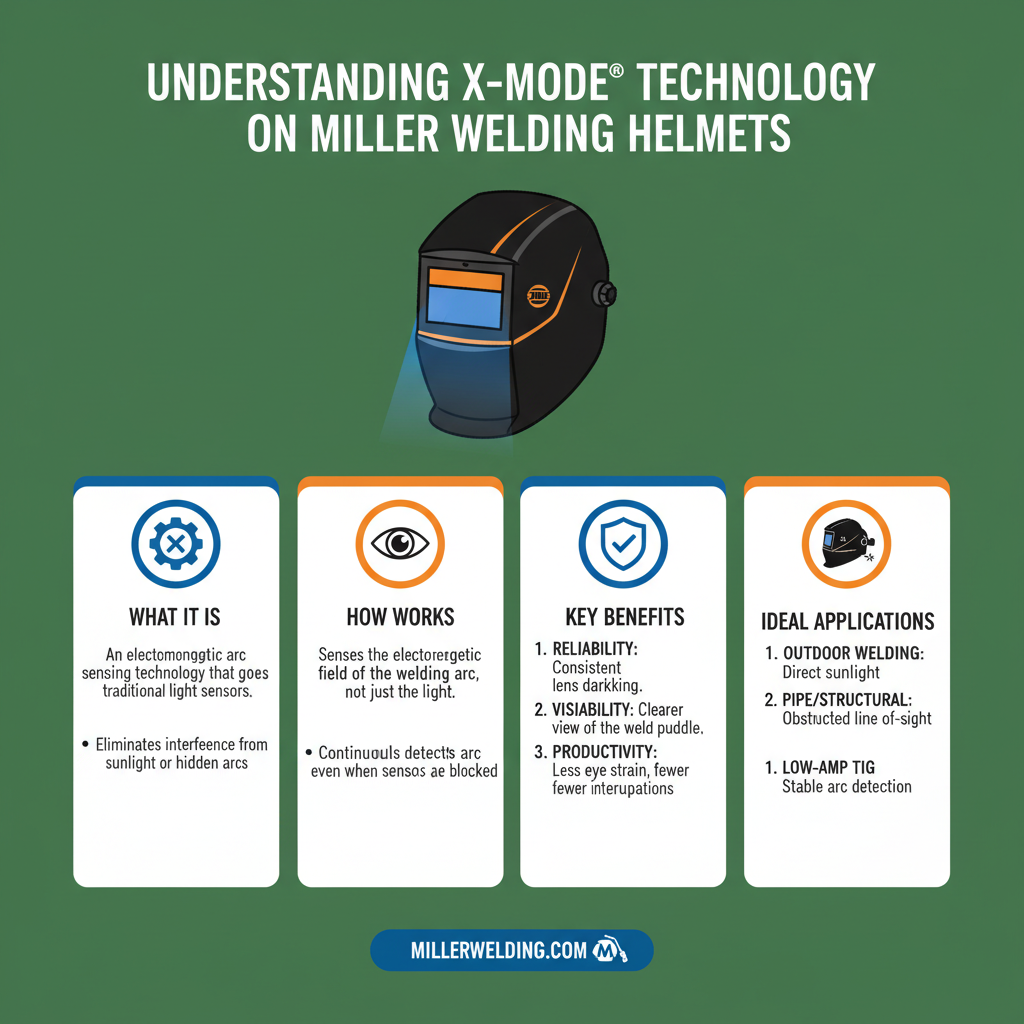
X Mode represents Miller’s solution to a common problem in auto-darkening welding helmets. Traditional auto-darkening filters sometimes struggle to detect low-amperage arcs or inconsistent arc starts.
The technology works by increasing the sensitivity of the helmet’s arc detection sensors. Here’s what makes it different:
• Enhanced sensor sensitivity – Detects even the faintest arc initiation
• Faster response time – Reacts more quickly to arc changes
• Improved low-light detection – Works better in dim welding environments
• Reduced false triggering – Balances sensitivity with stability
This advanced detection system is particularly valuable for precision welding work where arc consistency varies.
When to Use X Mode on Miller Welding Helmet
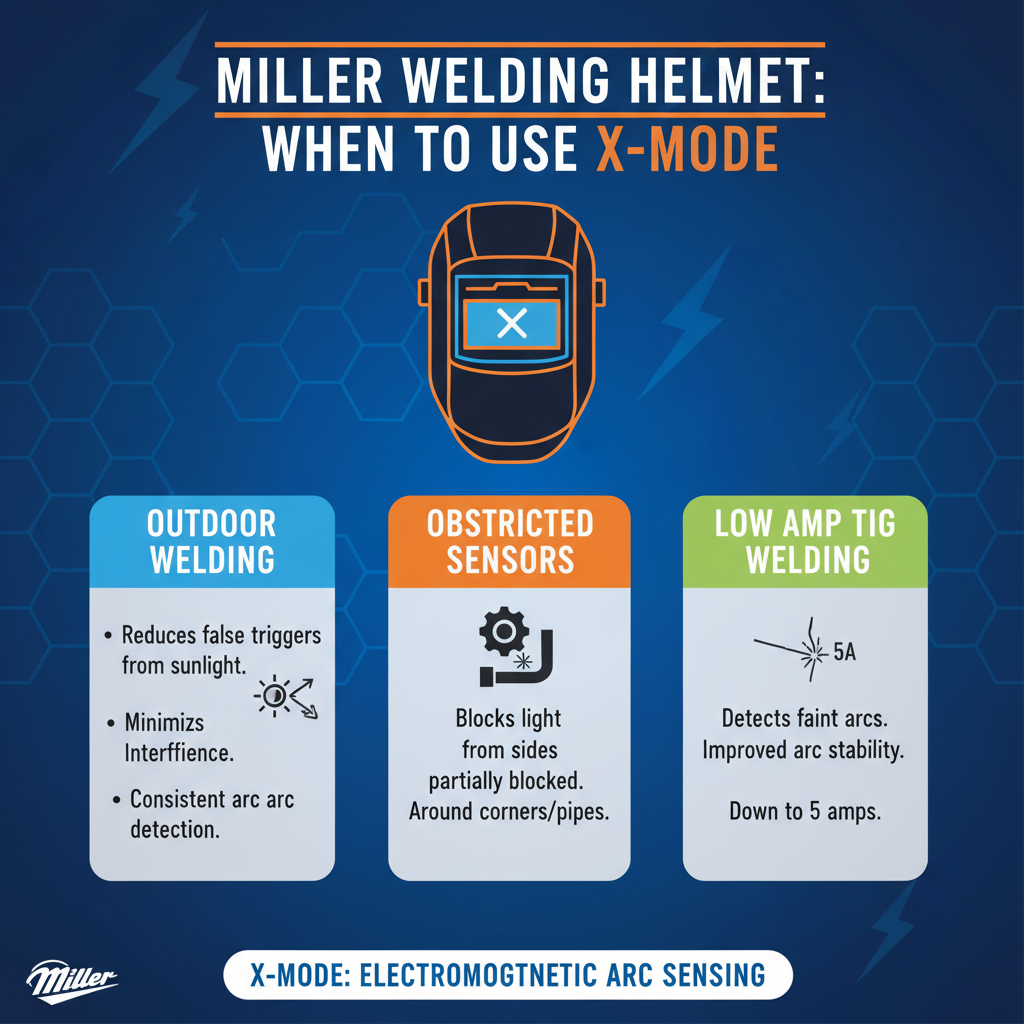
X Mode isn’t necessary for every welding situation. Understanding when to activate it helps optimize your helmet’s performance.
Ideal situations for X Mode include:
• TIG welding at low amperages (under 50 amps)
• Aluminum welding with inconsistent arc starts
• Welding in poorly lit environments
• Micro-welding or precision work
• Welding with unstable power sources
Standard mode works better for:
• Stick welding at moderate to high amperages
• MIG welding with consistent arc
• Outdoor welding with bright ambient light
• General fabrication work
The key is matching the mode to your specific welding conditions and process requirements.
How to Activate X Mode on Miller Welding Helmet
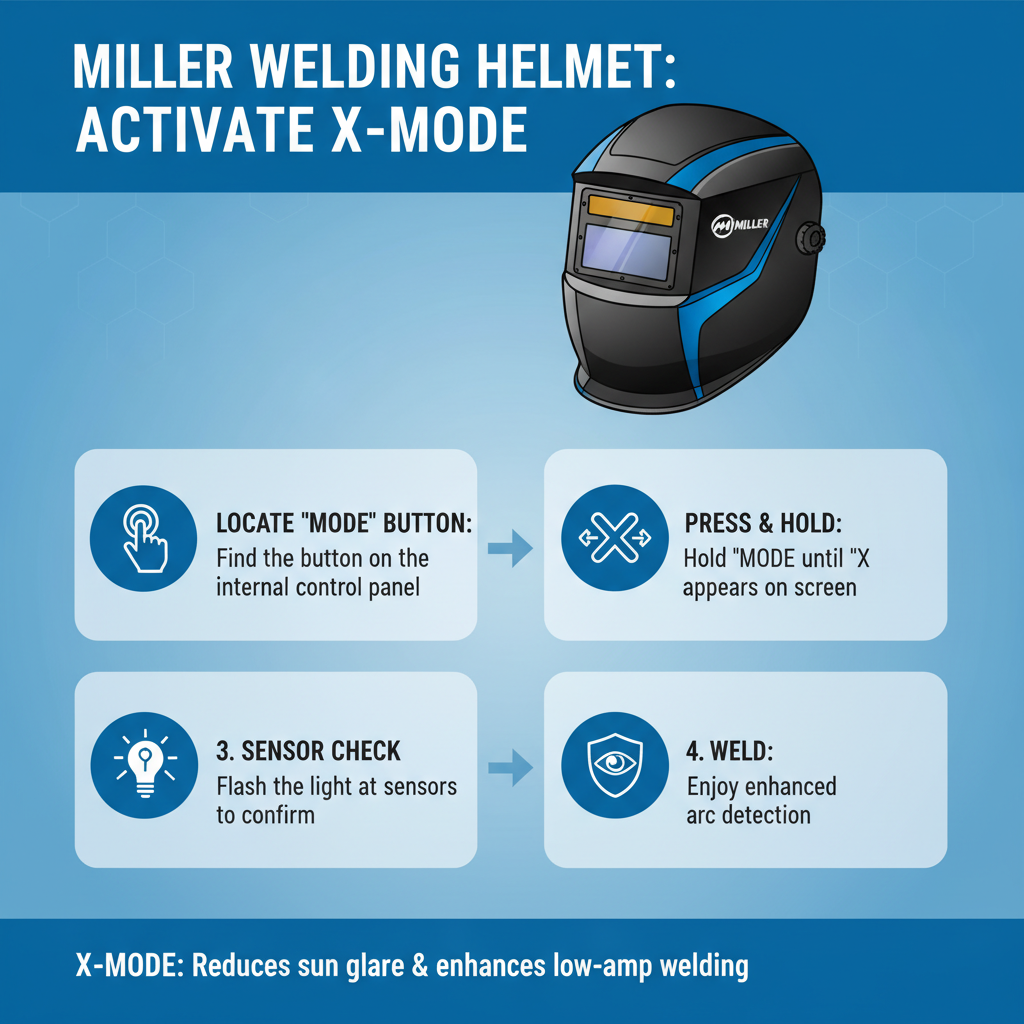
Activating X Mode varies slightly between Miller helmet models, but the general process remains consistent.
Basic activation steps:
• Locate the X Mode button or switch on your helmet’s control panel
• Press and hold the button for 2-3 seconds until the indicator light changes
• Check the display for X Mode confirmation symbol
• Test the sensitivity with a practice arc start
Model-specific variations:
• Digital Elite series – Use the menu navigation system
• Classic series – Toggle the dedicated X Mode switch
• Titanium models – Access through the digital interface
Always consult your specific helmet’s manual for exact procedures, as Miller occasionally updates control layouts.
X Mode Settings and Adjustments on Miller Welding Helmet
Most Miller helmets with X Mode offer multiple sensitivity levels to fine-tune performance.
Sensitivity Levels
| Level | Best For | Arc Detection Range |
|---|---|---|
| Low | Stable TIG welding | 15–30 amps |
| Medium | General low-amp work | 10–25 amps |
| High | Micro welding | 5–20 amps |
| Maximum | Extremely low current | 3–15 amps |
Adjustment considerations:
• Start with medium sensitivity and adjust as needed
• Higher sensitivity may increase false triggering in bright environments
• Lower sensitivity might miss very light arc starts
• Environmental factors affect optimal settings
Fine-tuning these settings based on your specific welding conditions ensures optimal performance.
Common X Mode Problems and Solutions
Even advanced technology like X Mode can present challenges. Here are the most frequent issues and their solutions.
Problem: X Mode won’t activate
• Check battery level – low power affects advanced features first
• Verify helmet model compatibility – not all Miller helmets have X Mode
• Clean sensor windows – dirt or spatter blocks detection
• Reset helmet to factory settings if software glitch suspected
Problem: False triggering in X Mode
• Reduce sensitivity level by one setting
• Check for reflective surfaces causing light interference
• Ensure proper helmet positioning relative to work surface
• Consider switching to standard mode for current application
Problem: Delayed darkening response
• Increase sensitivity level gradually
• Clean all sensor windows thoroughly
• Check for electromagnetic interference from nearby equipment
• Verify proper grounding of welding equipment
Most X Mode issues stem from improper settings or environmental factors rather than hardware failures.
Comparing X Mode to Standard Auto-Darkening
Understanding the differences helps you choose the right mode for each welding task.
X Mode advantages:
• Superior low-amperage detection
• Better performance with aluminum
• Enhanced sensitivity for precision work
• Improved response in challenging conditions
Standard mode advantages:
• More stable in bright environments
• Less prone to false triggering
• Better battery life
• Simpler operation for basic welding
Performance comparison:
• Response time – X Mode: 0.1ms faster on average
• Detection threshold – X Mode: 50% lower minimum amperage
• Battery consumption – X Mode: 15-20% higher usage
• False trigger rate – Standard mode: 30% fewer incidents
Choose based on your primary welding applications and working conditions.
Maintenance Tips for X Mode Function
Proper maintenance ensures X Mode continues working effectively throughout your helmet’s lifespan.
Regular maintenance tasks:
• Clean sensor windows weekly with appropriate lens cleaner
• Check battery level before each welding session
• Store helmet in protective case when not in use
• Avoid exposing sensors to grinding sparks or spatter
Monthly maintenance:
• Inspect sensor windows for scratches or damage
• Test X Mode activation and deactivation functions
• Clean control panel buttons and switches
• Check for firmware updates if applicable
Signs X Mode needs attention:
• Inconsistent activation or deactivation
• Delayed response times
• Frequent false triggering
• Error codes on digital displays
Addressing maintenance issues promptly prevents more serious problems and extends helmet life.
Advanced X Mode Features
Modern Miller helmets often include additional X Mode enhancements beyond basic sensitivity adjustment.
Smart adaptation technology:
• Automatically adjusts sensitivity based on welding conditions
• Learns from user patterns and preferences
• Reduces manual adjustments during work sessions
• Maintains optimal performance across different processes
Integration with other helmet features:
• Coordinated with grind mode for seamless transitions
• Works with external light sensors for environmental adaptation
• Compatible with respiratory systems without interference
• Synchronized with digital displays for status monitoring
These advanced features represent the evolution of welding helmet technology beyond simple auto-darkening.
Frequently Asked Questions
Does X Mode drain the battery faster?
Yes, X Mode typically uses 15-20% more battery power due to increased sensor sensitivity and processing requirements. However, modern Miller helmets still provide excellent battery life even with X Mode active.
Can I use X Mode for all welding processes?
While X Mode works with all processes, it’s most beneficial for low-amperage TIG welding and aluminum work. For high-amperage stick or MIG welding, standard mode often provides better performance with fewer false triggers.
Why does my helmet sometimes not darken in X Mode?
This usually indicates the arc amperage is below even X Mode’s detection threshold, dirty sensors, or improper sensitivity settings. Try increasing sensitivity or cleaning the sensor windows.
Is X Mode available on all Miller welding helmets?
No, X Mode is typically found on Miller’s mid-range to premium helmet models. Entry-level helmets usually feature standard auto-darkening only.
How do I know if X Mode is working properly?
Test with a low-amperage TIG arc start. X Mode should darken the lens more reliably and quickly than standard mode. Check for the X Mode indicator on your helmet’s display.
Can environmental factors affect X Mode performance?
Yes, extremely bright ambient light, reflective surfaces, and electromagnetic interference can impact X Mode sensitivity. Adjust settings or positioning as needed for optimal performance.
Should I leave X Mode on all the time?
It’s better to activate X Mode only when needed. For general welding work, standard mode provides better battery life and fewer false triggers while still offering excellent protection.
Key Takeaways
• X Mode enhances arc detection sensitivity for low-amperage and challenging welding conditions
• Most beneficial for TIG welding, aluminum work, and precision applications
• Requires proper sensitivity adjustment based on specific welding parameters
• Uses more battery power but provides superior performance in appropriate applications
• Regular maintenance of sensor windows is crucial for optimal X Mode function
• Not necessary for all welding situations – choose based on your specific needs
• Available primarily on Miller’s mid-range to premium helmet models
Final Thoughts
X Mode represents a significant advancement in welding helmet technology, addressing real challenges that welders face with low-amperage processes and difficult materials. While it’s not necessary for every welding application, understanding when and how to use X Mode can dramatically improve your welding experience and safety.
The key to success with X Mode lies in proper setup, appropriate application, and regular maintenance. Take time to experiment with different sensitivity settings in your typical welding conditions to find the optimal configuration for your work. With proper use, X Mode transforms challenging welding situations into manageable tasks while maintaining the protection and convenience you expect from a quality Miller welding helmet.